

 Slovak
 Hungarian
 Polish
 German
 Spanish
Meeting Scheduling
How meeting scheduling makes your work easier
 Help
Help
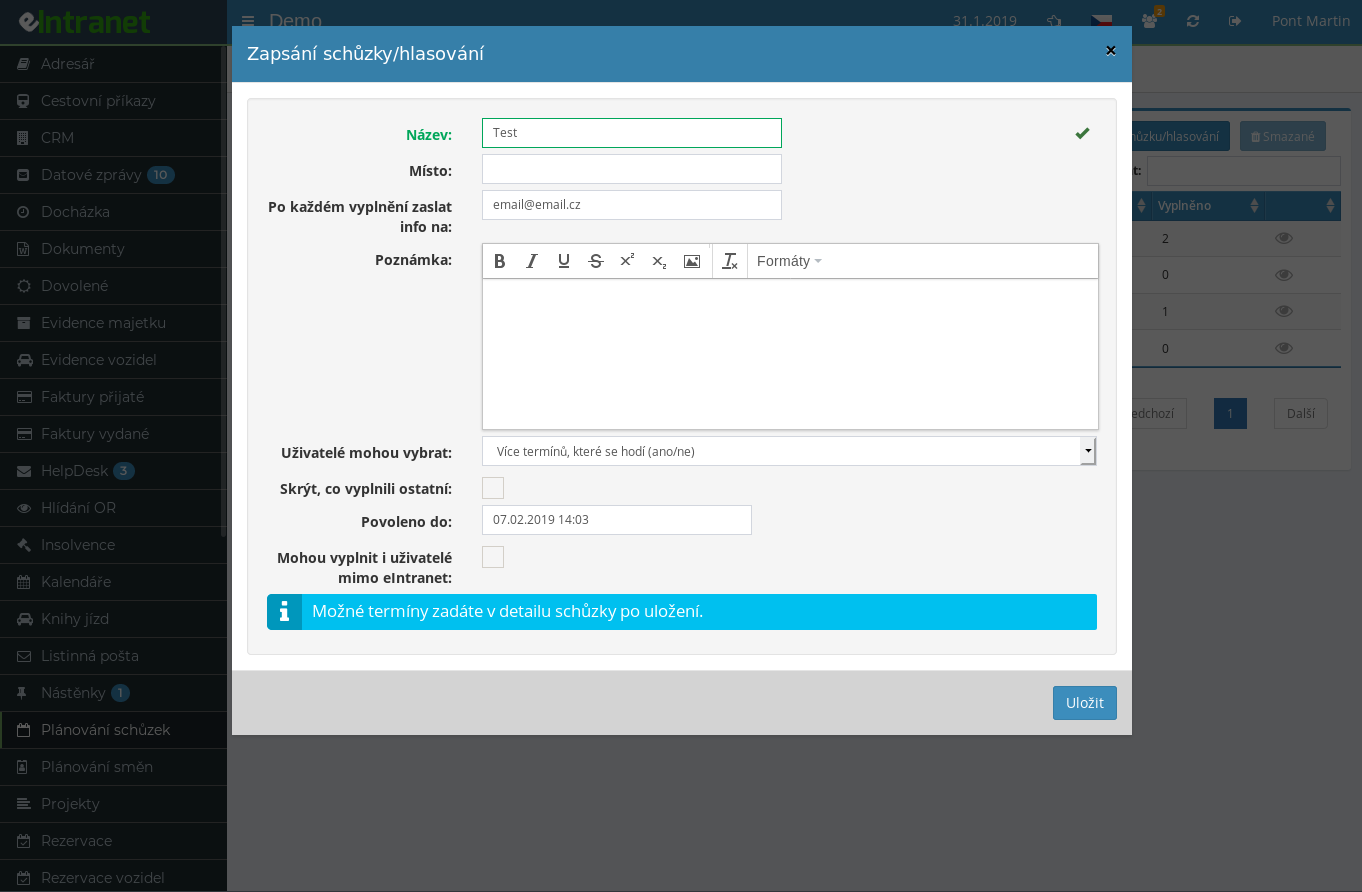
Propose several date and time options and let participants pick what works for them. The module evaluates which slot suits the majority, so coordinating a group meeting takes minutes instead of dozens of e-mails.
A single poll can offer three, five, or ten options. Each person ticks one suitable slot, or simply marks every date that fits their calendar.
Whenever someone fills in their preferences, you receive a notification with the participant's name and their choice. For time-sensitive talks you can react right away.
Invite people outside your company too. You share a unique link, they enter their contact details and pick slots without registering or logging into the system.
What you can use the meeting scheduling module for
-
Automatic sending of the chosen date to everyone
Once the decision is made, copy every participant's e-mail with one button and send out confirmation of the final date and venue.
-
Overview of votes and most popular options
A table shows who picked which slot, tallies the votes, and highlights the option with the strongest support.
-
Export results to Excel
Download the full overview of the meeting, slots, and participants as an XLSX file in a single click for archiving or a management presentation.
-
Deadline for submitting answers
Set the date by which participants can vote. After it passes, the system blocks any further changes to preferences.
-
Hide other participants' answers
Want independent votes? Turn on hidden answers and each person sees the results only after they have responded themselves.
-
Invitations for internal and external people
Invite colleagues straight from the user list and external partners via the public link. Every reply lands in one place.
-
History of invitations and replies
Look up at any time who received an invitation, when it was sent, and how each person voted. No guessing who still hasn't replied.