
 Spanish
Surveys
Find out what your people and customers really think


 Help
Help
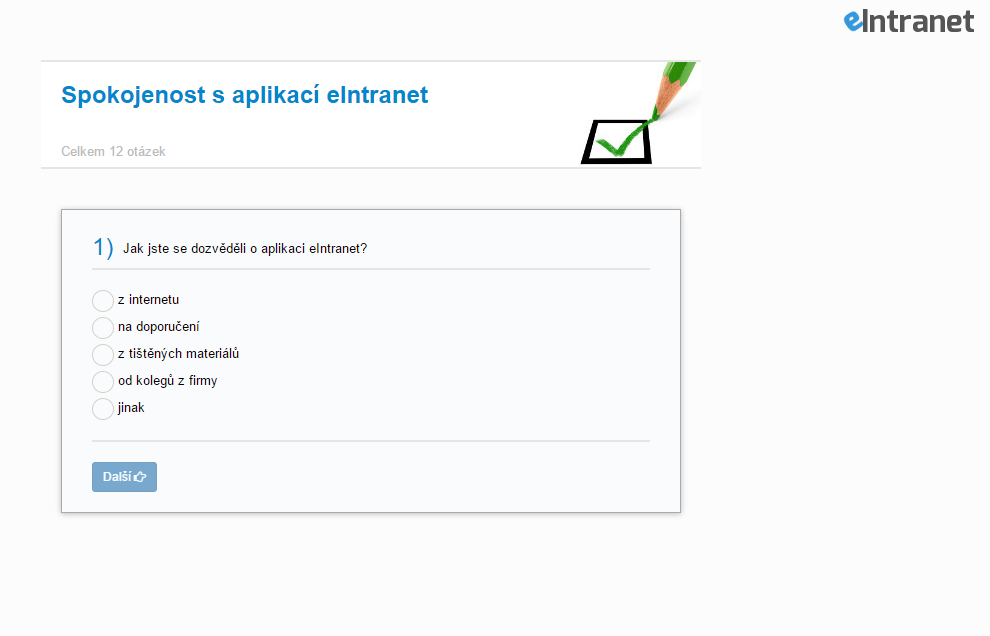
Create online surveys straight inside eIntranet, no developer needed. Survey creation supports six question types - from free text and multiple choice to star ratings and drag-and-drop ranking by importance.
Results process themselves. Choice questions show coloured bars with percentages, star questions display the average score, and ranking questions sort options by importance. Pull the full dataset into Excel with a single click.
Assign a survey to specific employees, or generate a unique link for customers and partners outside eIntranet. Respondents log in nowhere - they simply open the link and answer.
A question appears only to the people it actually concerns - ask about satisfaction only of respondents who use your products. For sensitive topics, switch on anonymity and get more honest answers.
What the surveys module is good for
-
Six question types under one roof
Combine text, single or multiple choice, image selection, star ratings and priority ranking within a single survey.
-
Scheduled active period
Set the dates between which the survey stays open. Outside that window respondents simply won't see it.
-
E-mail reminders
Turn on required completion and the system sends invitations and nudges to everyone who hasn't answered yet.
-
Excel export
Download respondents, completion dates and answers - including those who received the survey but haven't replied.
-
Custom survey look
Add a logo, background image, intro and closing text, and button colours so the survey matches your brand.
-
Copy ready-made surveys
Duplicate a proven survey including its questions and just tweak the details - the next round is ready in a minute.
-
Statistics and individual responses
Watch summary charts, or click through to a single respondent's answer for the full detail.
Frequently asked questions
Yes, it's possible. When you set the poll conditions, you can check the option to make the poll available to anyone. A link will be generated in the Vá which can be sent to anyone.
order of the questions can be changed, thanks to the arrows that are located next to the question number. Clicking on the arrow moves the question 1 place at a time.
You need to adjust the image to 660x105px in a graphics editor and put the white background where you need it.
Registration is non-binding and includes a free 14-day trial of the application.